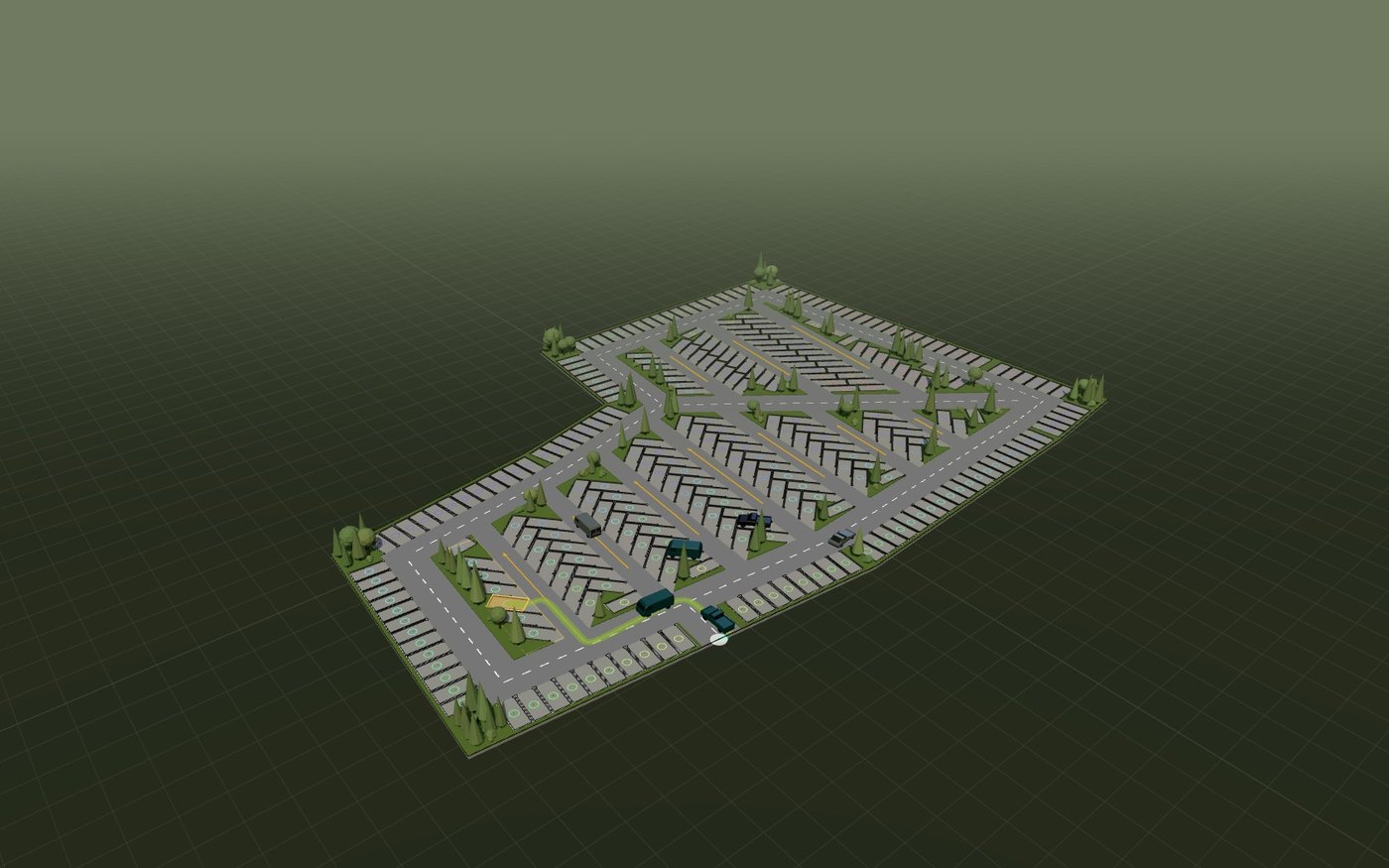
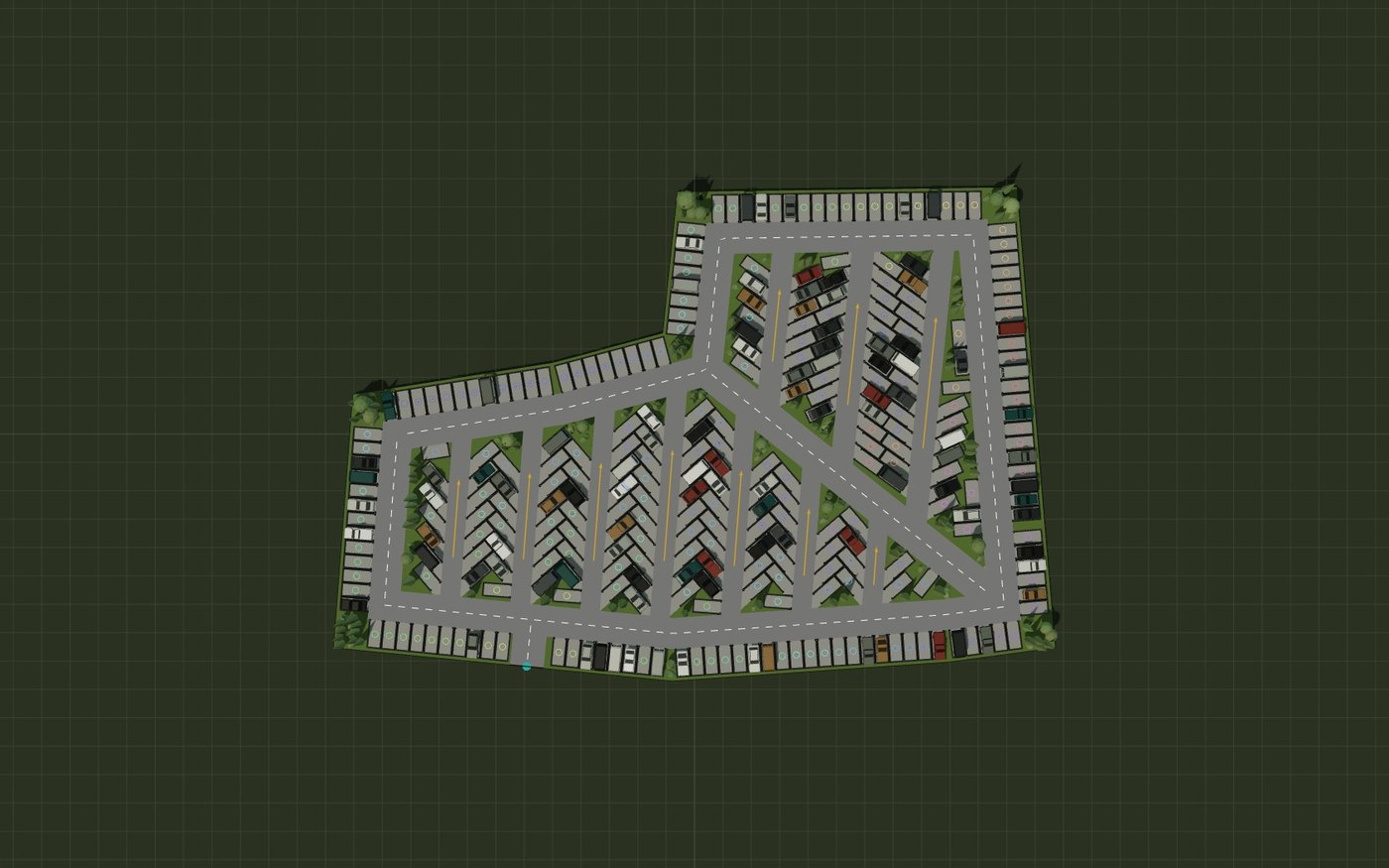
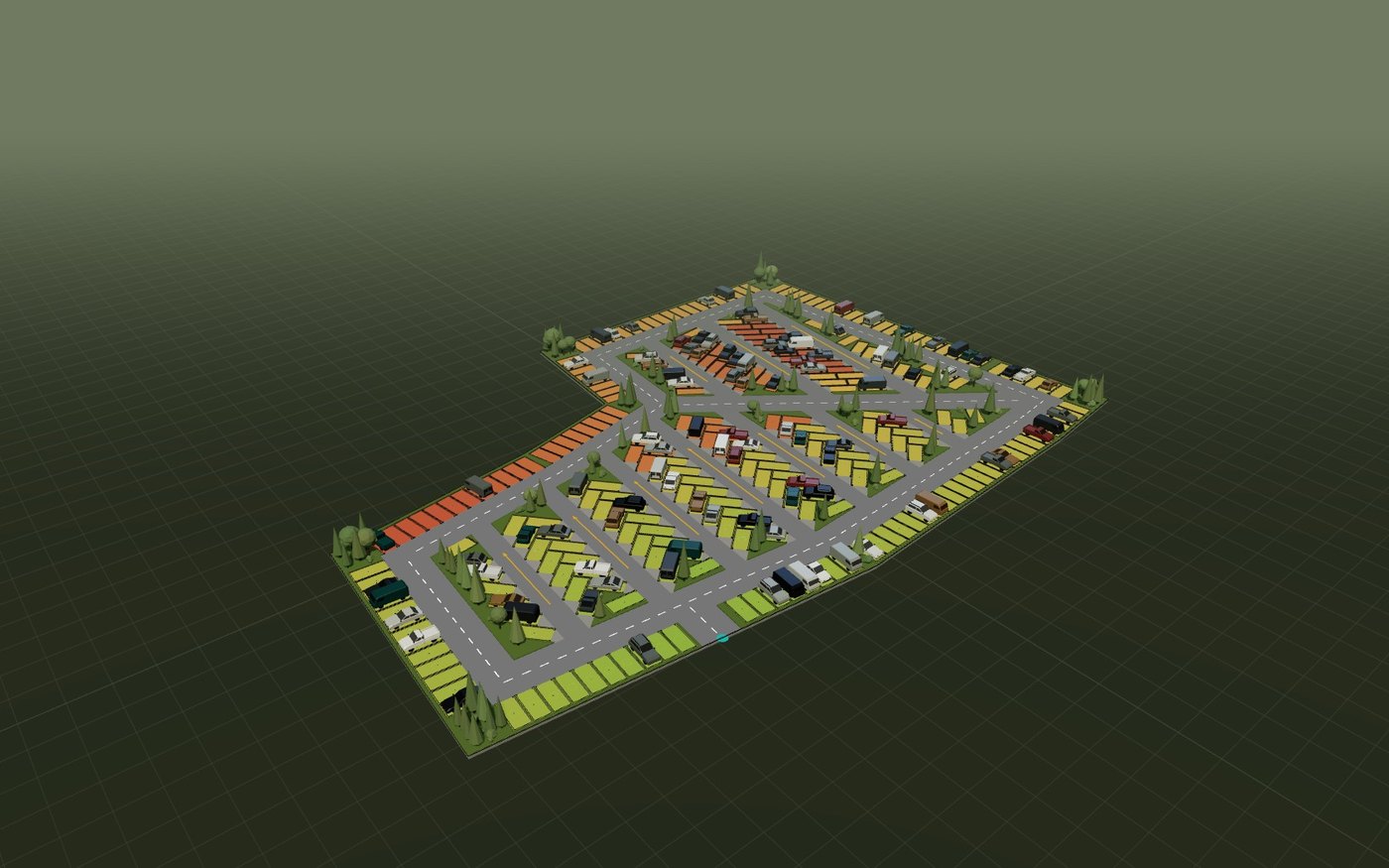
The licensed release is a ground-up rebuild of the solver. These are real, shipped changes from its changelog — not a roadmap.
01
Angled bays, done right
30°, 45°, 60°, 90° and parallel stalls are built as true trapezoids — never squashed rectangles — and double-row interlock stacking now works at every oblique angle with exact interlock math.
02
Perimeter rows pack as one chain
Near-collinear plot edges no longer restart clearances at every joint, and angled rows probe past both row ends — recovering the stalls older solvers leave on the table at corners.
03
Every stall guaranteed drivable
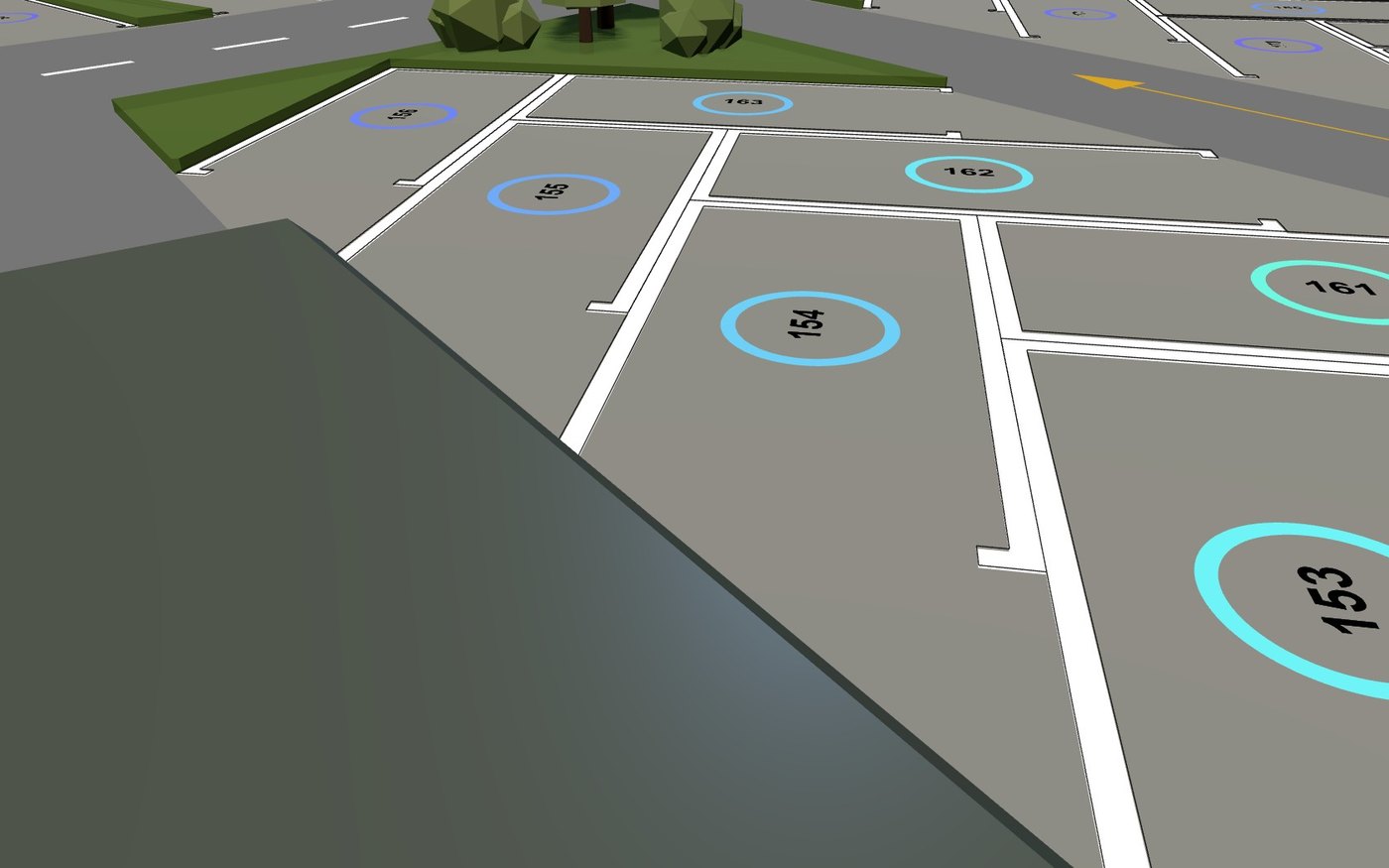
Each stall carries a car-width block-free access area; a candidate that would wall in a neighbour — or be walled in — is refused before it is placed. Concave corners even gain bonus stalls that fit both edges.
04
The entrance always stays clear
Access corridors are forbidden ground for placement, so no layout ever parks a car on the site entrance.
05
Nose-in bays that follow the road
Road direction is derived from the geometry itself, angled bays lean with the direction of travel for either winding, and one-way / two-way aisle widths are angle-aware.
06
Turning-radius fillets without dents
Convex corners round properly on both the inner boundary and the perimeter rows, small radii keep sharp corners instead of carving dents, and the perimetral road renders as a true closed ring.
07
The perimeter band is a region too
The ring between the plot edge and the interior is now selectable with its own rows, roads and island settings — and every region takes per-region overrides for reference edge, widths, spot angle and more.
08
Click-to-discard stalls, honestly patched
Discard any stall and that ground stays green permanently: no other stall family backfills the slot, and the preview patches both the stall body and its access throat instantly.
09
One-click Bake to Rhino
The whole solution bakes into an organized, versioned Rhino layer hierarchy — regions, rows, stalls, roads, markings — in the app's own colours, so repeated bakes never overwrite each other.
10
Portable .pks export + web viewer
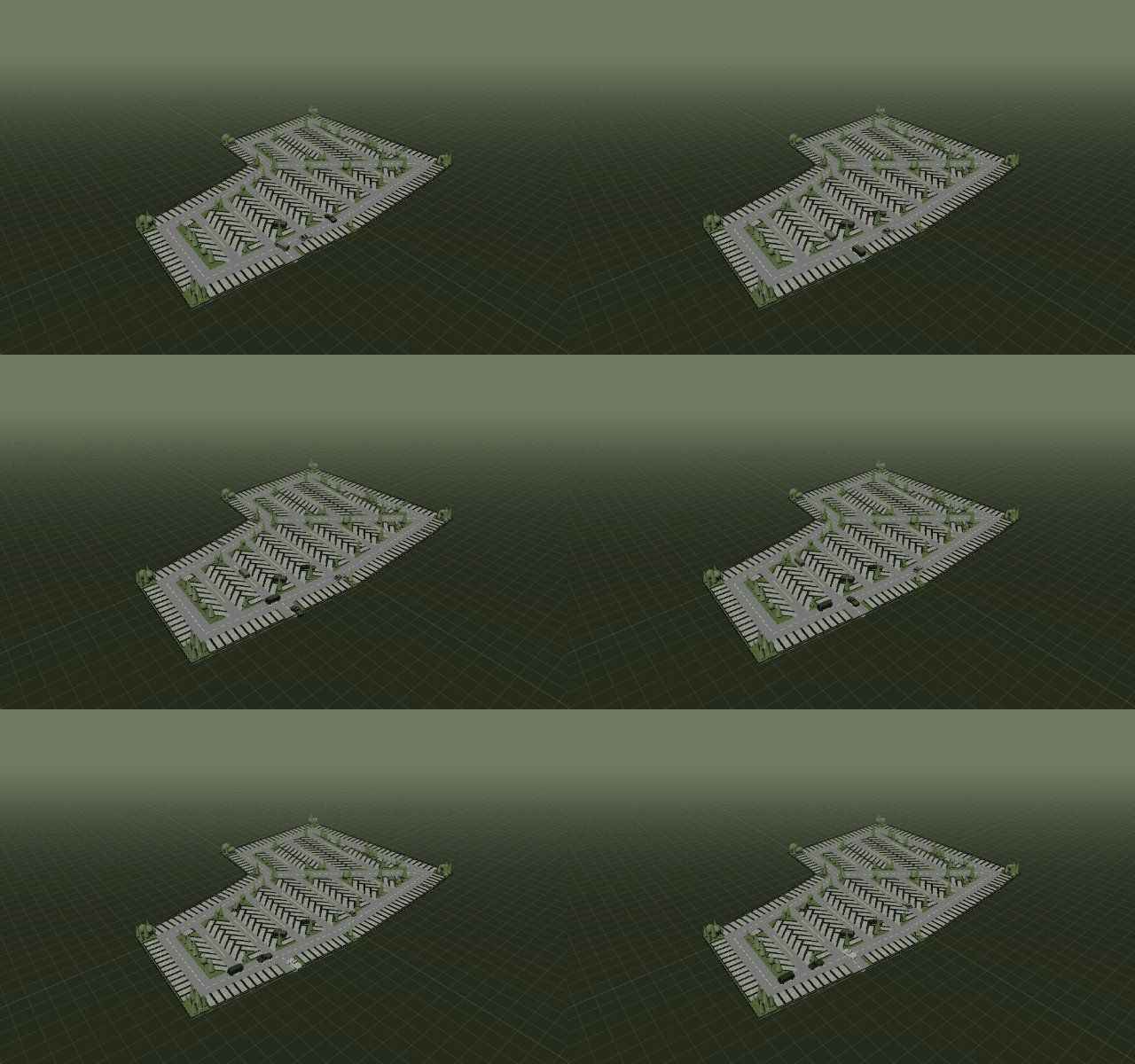
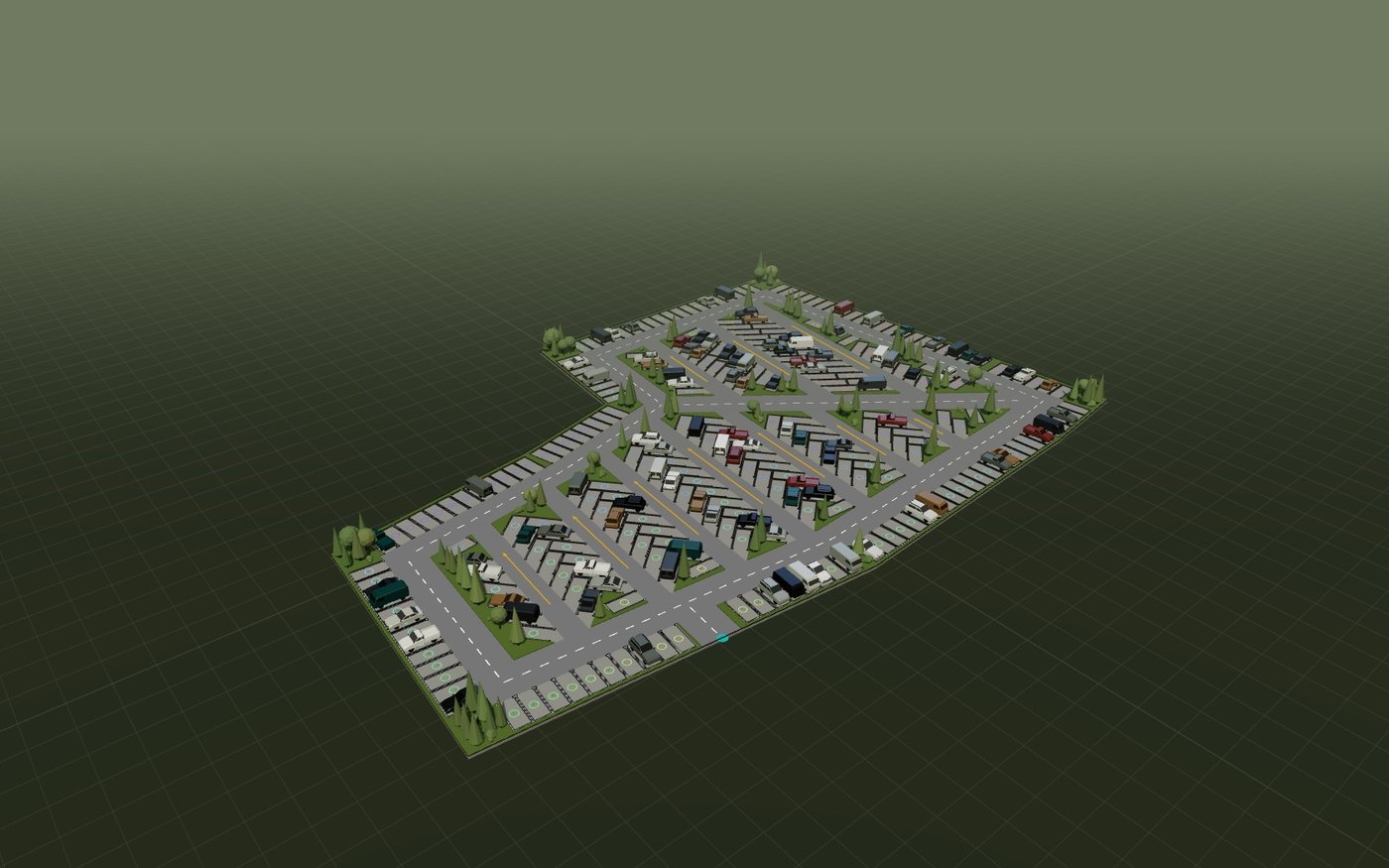
One tight JSON file carries the settings and the render-ready geometry, with instanced stall prototypes. The demo on this page is that file format, live in three.js.
11
A real settings window
A live WPF window mirrors every canvas control, with staged edits, an Apply button that counts pending changes, and width sliders that follow the solver until you touch them.
12
Cleaner circulation arrows
Straight road segments carry exactly one arrow at their middle; only genuinely curved roads keep the marching pattern.
 Parking Solver